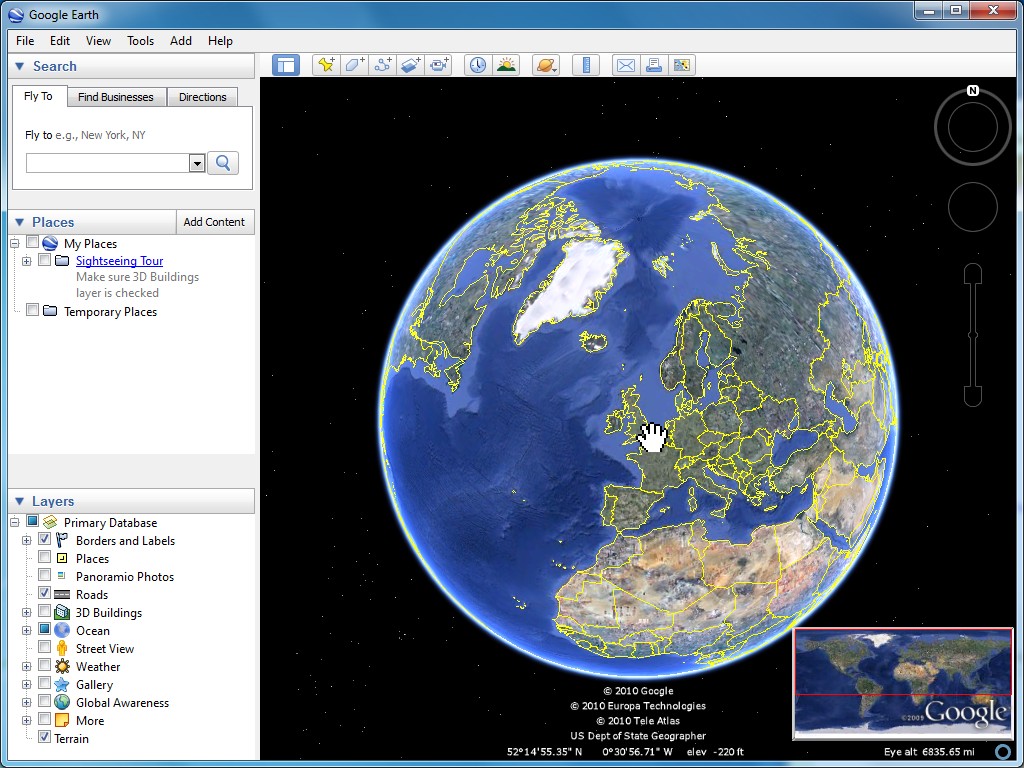
- Start Google Earth.
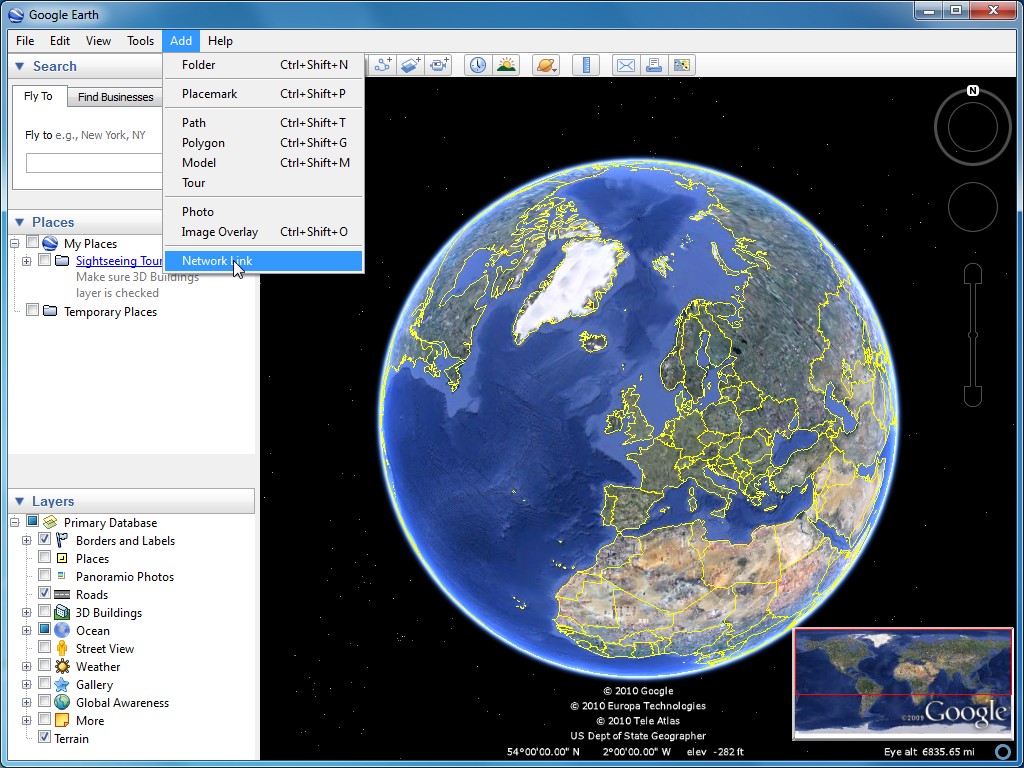
- Click Add -> Network Link.
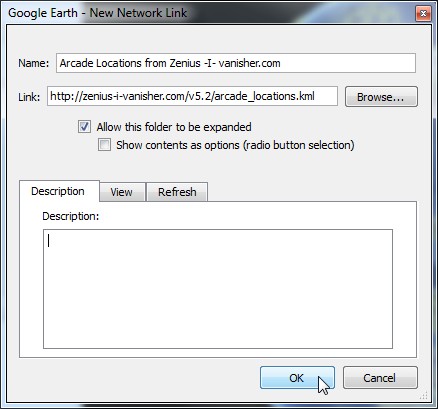
- Enter a Name and "http://zenius-i-vanisher.com/v5.2/arcade_locations.kml" as the Link.
Alternatively, you can find country specific KML files here: http://zenius-i-vanisher.com/kml/
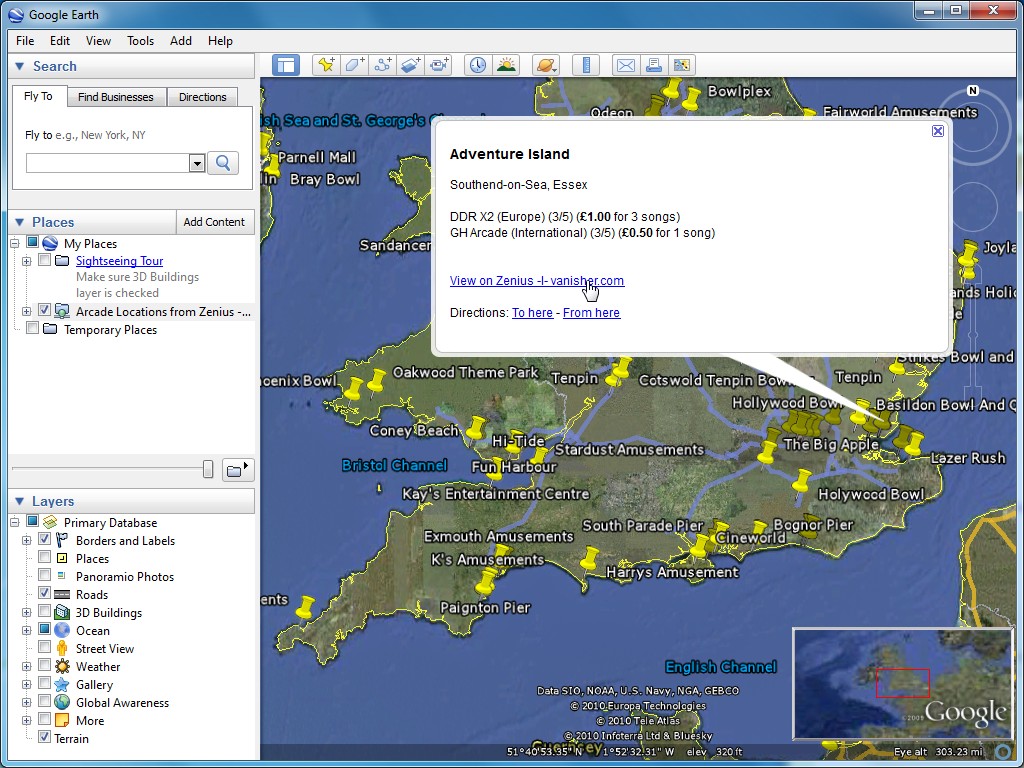
- Click OK.

|
Web Server: 6% · Database: 4% · Server Time: 2024-06-10 16:22:56 Esta página tomó 0.001 segundos en ejecutarse. |
Theme: starlight · Language: spanish Reset Theme & Language |